SECURITY TOOLS FOR YOUR NEXT INVESTIGATION

Cybersecurity tools.Know what you are buying.

Inspect a WordPress backup, review your own credential exposure, or check a public website. Compare what each tool does, where it runs, and what the license covers before you buy.

LocalSupported desktop workflows
ClearPrices and license terms
One accountOrders, downloads and support

Keep files local

Desktop products process supported files on your computer. Check each product page for its workflow.

Access your purchase

Your account brings together orders, eligible downloads and license details.

Check the details first

Review the current release, platform and activation limit before paying.

Ask a real question

Not sure a tool fits your case? Contact support before you buy.

वर्तमान कैटलॉग

केंद्रित सुरक्षा सॉफ़्टवेयर

गोपनीयता, डिजिटल फॉरेंसिक्स और विशेष कार्यप्रवाहों के लिए उपलब्ध DarkOra उपकरण देखें।
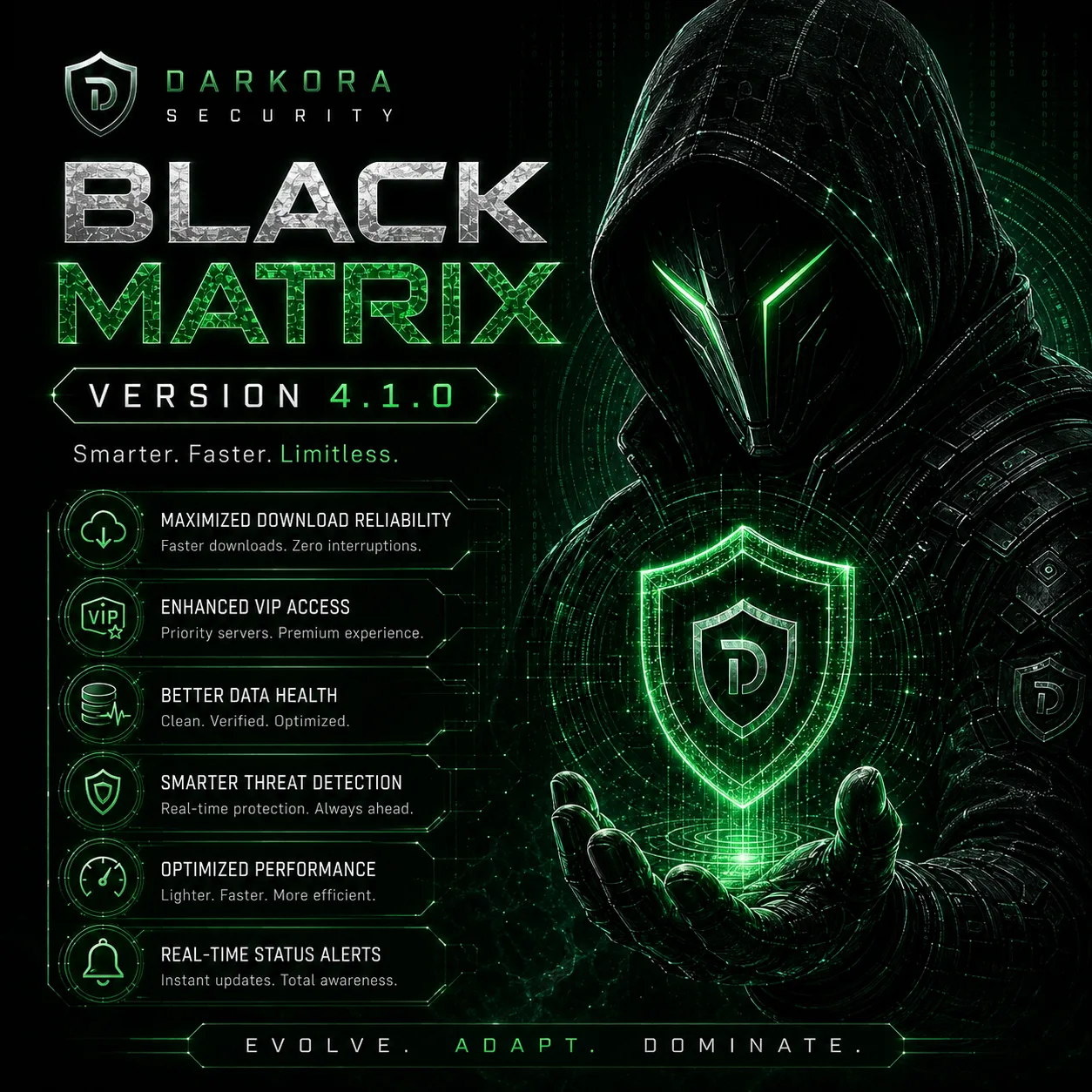
Black Matrix cybersecurity software interface
क्रेडेंशियल एक्सपोज़र विश्लेषणDO-BMX

Black Matrix

Check your own identifiers against breach archives locally, understand what was exposed, and move from a match to practical account-remediation steps.
  • स्थानीय और निजी खोज
  • Contains, StartsWith और Regex modes
संस्करण
v4.1.0
प्लेटफ़ॉर्म
Windows / Linux
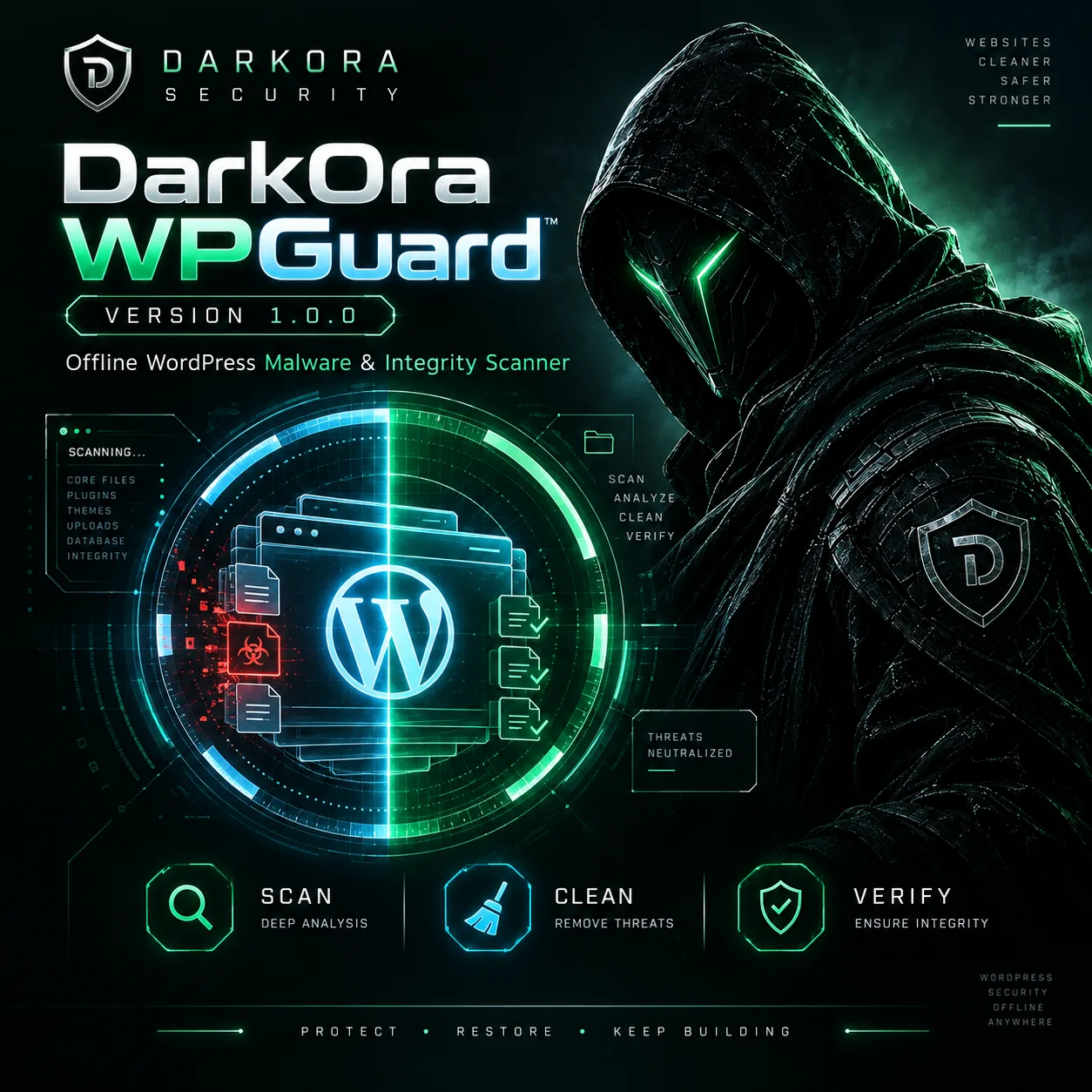
WPGuard cybersecurity software interface
Offline WordPress malware scannerDO-WPG

WPGuard

Scan local WordPress files for suspicious PHP, backdoors and core changes without running the copied code.

  • Local folder scanning
  • WordPress integrity review
संस्करण
v1.0.0
प्लेटफ़ॉर्म
Windows / Linux
MultiChain Hunter Pro cybersecurity software interface
मल्टी-चेन वॉलेट विश्लेषणDO-MCH

MultiChain Hunter Pro

Organize multi-chain wallet evidence for authorized recovery and investigation workflows across supported blockchain networks.
  • मल्टी-चेन विश्लेषण
  • अधिकृत रिकवरी कार्यप्रवाह
संस्करण
v3.0.0
प्लेटफ़ॉर्म
Windows / Linux
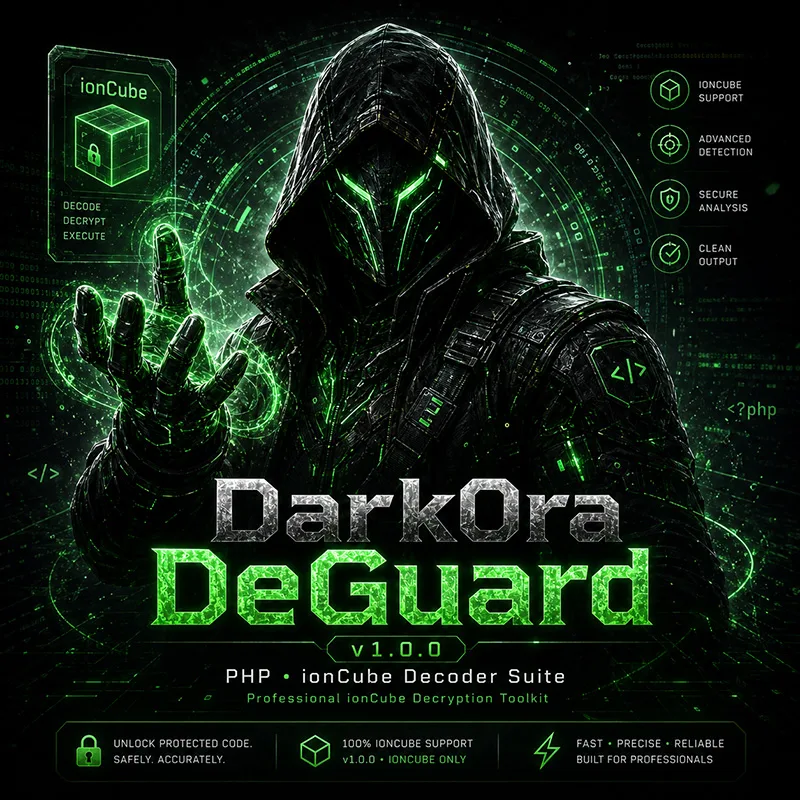
DeGuard cybersecurity software interface
अधिकृत PHP रिकवरीDO-DGD

DeGuard

A Windows workspace for authorized recovery of ionCube-protected PHP that you own or have explicit permission to maintain.
  • ionCube-केंद्रित PHP recovery
  • Secure online activation
संस्करण
v1.0.0
प्लेटफ़ॉर्म
Windows / Linux
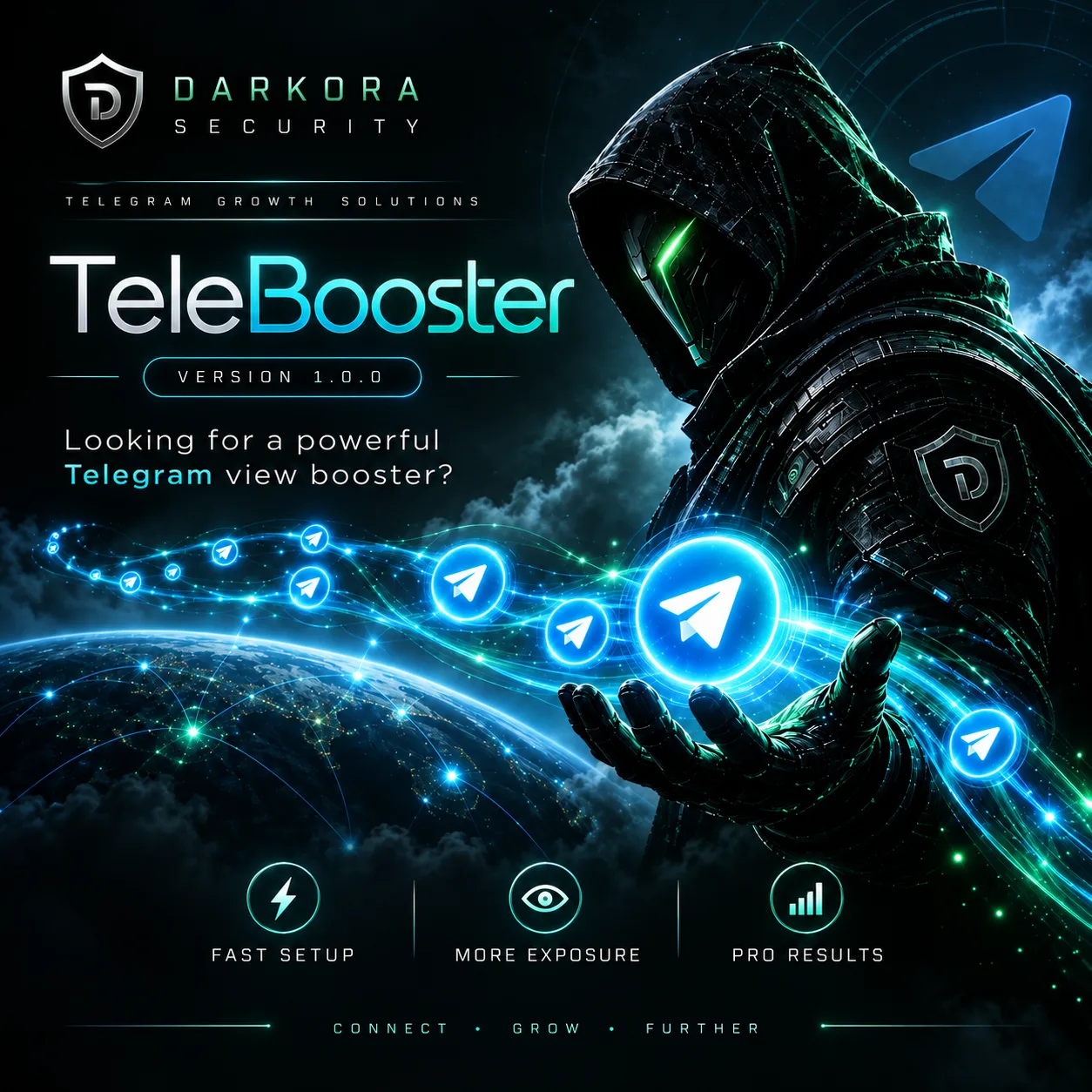
TeleBooster cybersecurity software interface
चैनल कार्यप्रवाह उपयोगिताDO-TLB

TeleBooster

A focused Windows utility for authorized Telegram channel workflows, with straightforward controls and visible activity status.

  • Standalone operation
  • Real-time tracking
संस्करण
v1.0.0
प्लेटफ़ॉर्म
Windows / Linux

Not sure which tool fits your case?

Tell support what you want to check and which operating system you use. We can help you review the product requirements before buying.

उत्पाद सहायता से पूछें
LIVE SHELL SIMULATOR

Try a security workflow

Choose a sample WordPress or website check, browse the catalog, or type help. This browser demo uses fictional findings and does not scan a real target.

darkora / interactive demo
BROWSER DEMOReady

Welcome to the DarkOra workflow demo.

Type help or choose a sample. No system commands are executed.

help · products · demo wordpress · demo website · clear
BEFORE YOU BUY

Questions about buying and using DarkOra

Where do I get my download and license?

Once payment is confirmed, sign in with the email used at checkout. Your eligible downloads and license details are available in your account.

Can I check compatibility before paying?

Yes. Read the platform and requirements on the product page. If your operating system, dataset or backup format is not listed, ask support before ordering.

Is WPGuard a WordPress plugin?

No. WPGuard is a desktop scanner for a local copy of WordPress files. It helps investigate suspicious files without running the copied PHP code.

What use is permitted?

Use DarkOra tools only for accounts, files and systems you own or have permission to assess. A finding is a reason to investigate, not permission to access another account.

DARKORA / डिजिटल फ्रंटियर

अपना DarkOra टूल चुनें

गोपनीयता, पारदर्शिता और अधिकृत सुरक्षा अनुसंधान के लिए बनाए गए पेशेवर साइबर सुरक्षा उपकरण देखें।

उत्पाद खोजेंClient Access